
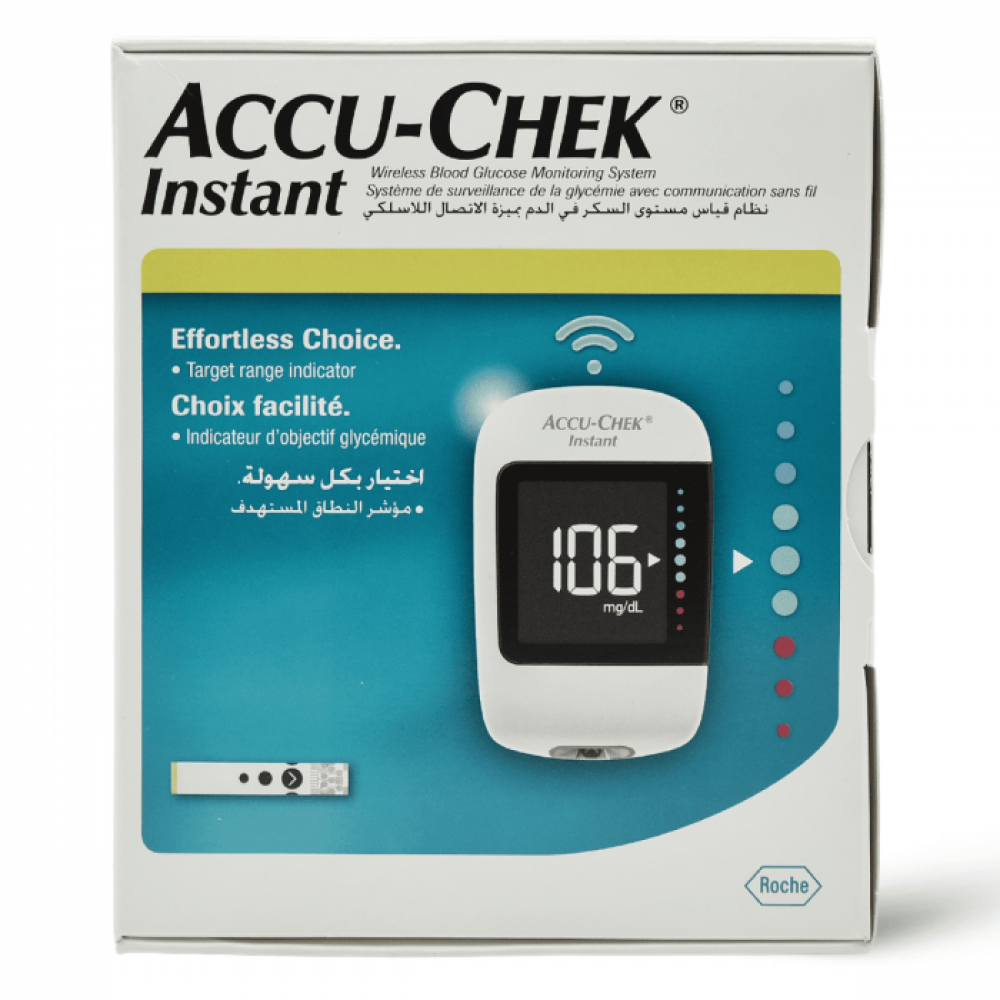

The Accu-Chek Instant device provides ease of use to measure the user's average blood glucose level.
The screen allows the user to link their reading to their phone via the MySugr app via Bluetooth.
There are a set of colored dots on the screen to indicate the reading range.
The screen displays the user reading, and an arrow indicates the range
The Accu-Chek Instant meter is one of the most accurate systems and meets ISO 15197:2013 standard.
Product features:
The screen displays the user reading, and an arrow indicates the range.
The green dots represent the normal blood sugar level and the target range.
The arrow flashes if the reading is above or below the green range.
The monitor has a button located on its side that when pressed, the user can view the average blood glucose reading for 7 days, 30 days, and 90 days.
Target range indicator:
INSTANT CLARITY: The intuitive target range indicator gives you visual reassurance if your blood glucose values are above range, in range or below range.
One button to navigate:
JUST WHAT YOU NEED: Test result and averages (7/30/90 days) appear on the scale
So there is no need to scroll through the list to find what you need. 1 button is all it takes.
No setting required:
Simple preparation: Simply insert a strip, place a small blood sample, and read your blood glucose result on the large screen.
Remove the test strip after testing and the meter turns off automatically.
Easy-Edge Test Strips:
A small blood sample can be placed anywhere on the wide yellow edge of the test strip dosing area, which has a wider blood application area than leading brands.
The test strip is designed to help make it easier to place a small drop of blood at the end of the strip
Proven and proven accuracy:
Guaranteed by the makers of Accu-Chek products, it meets ISO 15197:2013 requirements.
It delivers tighter resolution for reliable results you can trust.
Very easy data synchronization and transfer:
Once connected, the meter automatically records your blood glucose results and transmits them wirelessly to your smartphone or via USB to your computer.
This ensures easier access to data and more accurate follow-up
Instructions for use:
First, sanitize your hands with an alcohol swab or any sanitizer available.
Step 1: Place the hole punch firmly against your finger, and press the yellow release button, this will retract your finger.
Step 2: Gently press with your finger to help blood flow.
This helps you get a drop of blood.
Step 3: Touch the yellow edge of the test strip to the drop of blood.
Remove your finger from the test strip when the flashing hourglass symbol appears.
Step 4: Your test result appears with an arrow indicating whether your test result falls above, within, or below the target range.
The target range is represented by the green area of the target range indicator.
Product features:
This set contains:
1 x blood glucose meter + 10 strips
10 x Accu-Chek SoftClix lancets
1 x Accu-Chek Softclix lancing device